图像色彩调整
色彩空间转换
色彩空间的介绍可以在 基本概念 中看到。
func (r *ImageRef) ToColorSpace(interpretation Interpretation) error
其中 Interpretation 的可选项有如下:
// Interpretation enum
const (
	InterpretationError     Interpretation = C.VIPS_INTERPRETATION_ERROR
	InterpretationMultiband Interpretation = C.VIPS_INTERPRETATION_MULTIBAND
	InterpretationBW        Interpretation = C.VIPS_INTERPRETATION_B_W
	InterpretationHistogram Interpretation = C.VIPS_INTERPRETATION_HISTOGRAM
	InterpretationXYZ       Interpretation = C.VIPS_INTERPRETATION_XYZ
	InterpretationLAB       Interpretation = C.VIPS_INTERPRETATION_LAB
	InterpretationCMYK      Interpretation = C.VIPS_INTERPRETATION_CMYK
	InterpretationLABQ      Interpretation = C.VIPS_INTERPRETATION_LABQ
	InterpretationRGB       Interpretation = C.VIPS_INTERPRETATION_RGB
	InterpretationRGB16     Interpretation = C.VIPS_INTERPRETATION_RGB16
	InterpretationCMC       Interpretation = C.VIPS_INTERPRETATION_CMC
	InterpretationLCH       Interpretation = C.VIPS_INTERPRETATION_LCH
	InterpretationLABS      Interpretation = C.VIPS_INTERPRETATION_LABS
	InterpretationSRGB      Interpretation = C.VIPS_INTERPRETATION_sRGB
	InterpretationYXY       Interpretation = C.VIPS_INTERPRETATION_YXY
	InterpretationFourier   Interpretation = C.VIPS_INTERPRETATION_FOURIER
	InterpretationGrey16    Interpretation = C.VIPS_INTERPRETATION_GREY16
	InterpretationMatrix    Interpretation = C.VIPS_INTERPRETATION_MATRIX
	InterpretationScRGB     Interpretation = C.VIPS_INTERPRETATION_scRGB
	InterpretationHSV       Interpretation = C.VIPS_INTERPRETATION_HSV
)
例子:
img.ToColorSpace(vips.InterpretationSRGB)
调整亮度、饱和度,色相
func (r *ImageRef) Modulate(brightness, saturation, hue float64) error
这个函数如传入参数,可以同时调整图片的亮度,饱和度和色相,brightness 和 saturation 保持为 1 表示不变,hue 色相的调整稍微复杂一些,是一个角度,如果传入 0 表示不变,所以:
当我们仅调节图片亮度时,应该传入 brightness ,保持 saturation 是 1 ,hue 是 0,例如:
img.Modulate(1.5, 1, 0)
| 原图 | 调整亮度后 |
|---|---|
 | 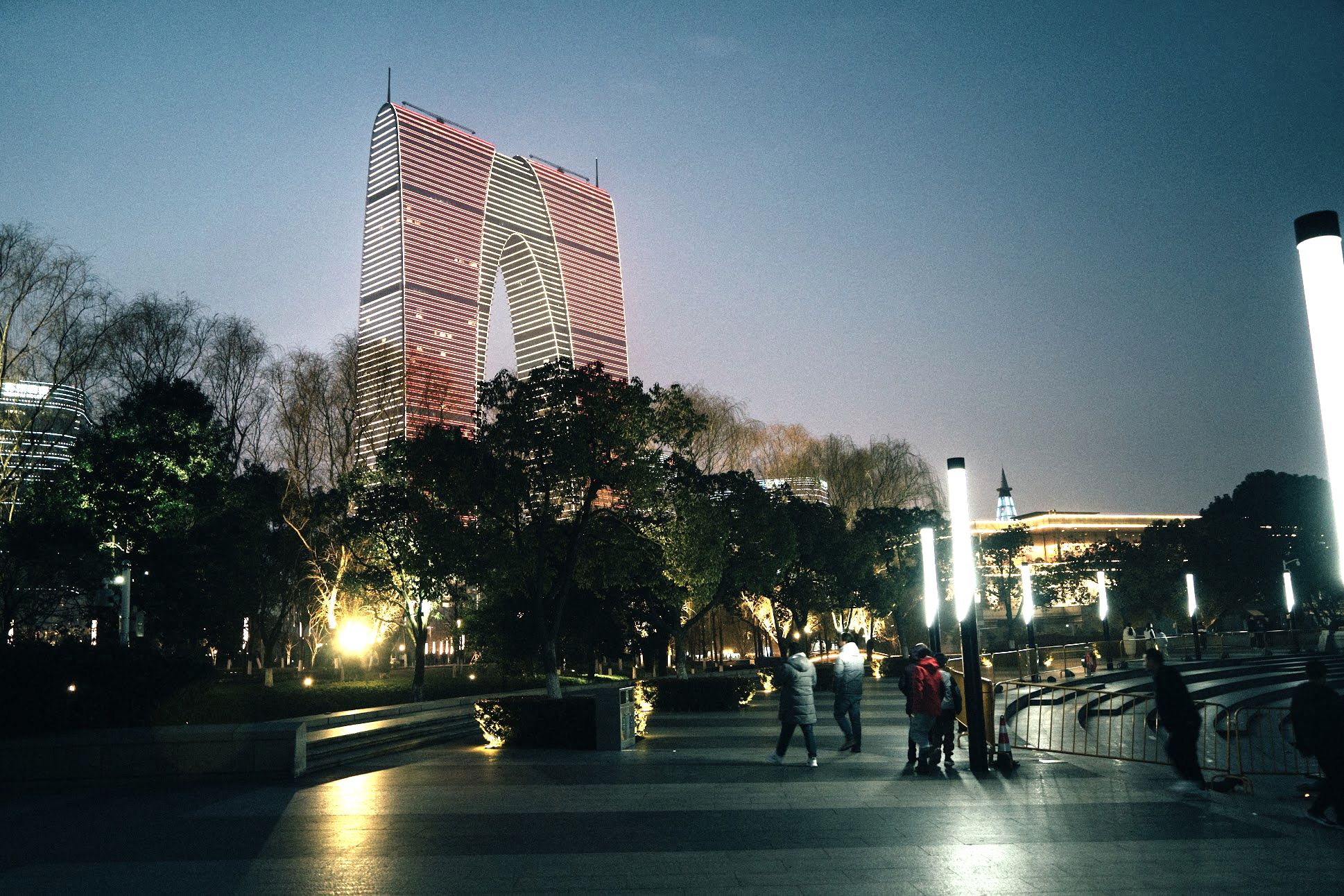 |
当我们仅调节图片饱和度时,应该保持 brightness 是 1 ,仅传入 saturation ,hue 是 0,例如:
TODO
当我们仅调节图片色相时,应该保持 brightness 是 1,brightness 是 1,仅传入 hue ,例如:
TODO