基本图像操作
本文假设你已经阅读了 基本操作,已经学会如何将一个图片读取为 ImageRef 对象和通过类似 img.ExportWebp + os.WriteFile 导出了。
这里包括了:
- 缩放、裁剪、旋转
- 翻转和镜像
- 色彩调整:亮度、对比度、饱和度
缩放
func (r *ImageRef) Thumbnail(width, height int, crop Interesting) error
如果希望改变图片的尺寸,例如将一个 2000x1000px 的图片缩小成 200x100px,可以使用 Thumbnail 方法:
img.Thumbnail(200, 100, vips.InterestingAll)
注意这里如果设置的新的尺寸和原来的的长宽比例不一致,那么图片会被裁剪成新的尺寸,裁剪的方式可以通过 vips.Interesting 参数进行设置,可选项如下:
// Interesting constants represent areas of interest which smart cropping will crop based on.
const (
	InterestingNone      Interesting = C.VIPS_INTERESTING_NONE
	InterestingCentre    Interesting = C.VIPS_INTERESTING_CENTRE
	InterestingEntropy   Interesting = C.VIPS_INTERESTING_ENTROPY
	InterestingAttention Interesting = C.VIPS_INTERESTING_ATTENTION
	InterestingLow       Interesting = C.VIPS_INTERESTING_LOW
	InterestingHigh      Interesting = C.VIPS_INTERESTING_HIGH
	InterestingAll       Interesting = C.VIPS_INTERESTING_ALL
	InterestingLast      Interesting = C.VIPS_INTERESTING_LAST
)
我们针对不同的裁剪格式有一个完整的对比文章,敬请参考: libvips 中不同的 VipsInteresting 是怎么决定图片裁剪位置的 - WebP Cloud Services Blog

裁剪
func (r *ImageRef) Crop(left int, top int, width int, height int) error
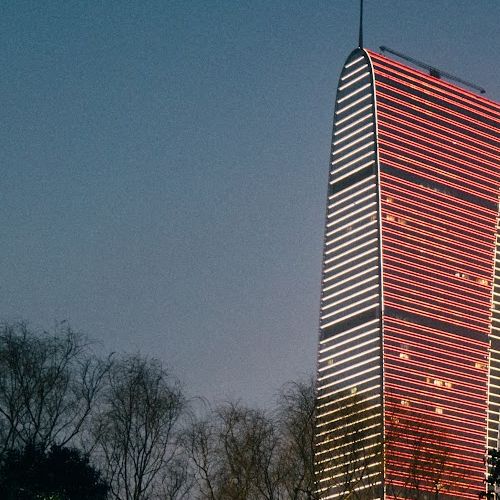
例如,将图片从 200x100px 的位置裁剪出一个 500x500px 的小图出来:
img.Crop(200, 100, 500, 500)
| 原图 | 裁剪后 |
|---|---|
 |  |
旋转
func (r *ImageRef) Rotate(angle Angle) error
旋转分为多种不同的旋转,一种是 90 度的整数倍旋转,另一种是任意角度的旋转,前者非常简单,只需要使用:
img.Rotate(angle)
即可,其中 angle 可选项如下:
// Angle enum
const (
	Angle0   Angle = C.VIPS_ANGLE_D0
	Angle90  Angle = C.VIPS_ANGLE_D90
	Angle180 Angle = C.VIPS_ANGLE_D180
	Angle270 Angle = C.VIPS_ANGLE_D270
)
而对于任意角度的旋转,可以使用 Similarity 函数:
func (r *ImageRef) Similarity(scale float64, angle float64, backgroundColor *ColorRGBA,
	idx float64, idy float64, odx float64, ody float64) error
例子如下:
img.Similarity(1.0, float64(angleDegree), &vips.ColorRGBA{
				R: 255,
				G: 255,
				B: 255,
				A: 255,
			}, 0, 0, 0, 0)
其中 1.0 是缩放比例,angleDegree 是旋转角度,ColorRGBA 是背景颜色,上面的例子中我们用 255, 255, 255, 255 表示无透明度的白色,最后四个参数是填充的位置,这里我们用 0 表示填充到图片的四周,例如给下图旋转 30 度的效果:
| 原图 | 旋转后 |
|---|---|
| 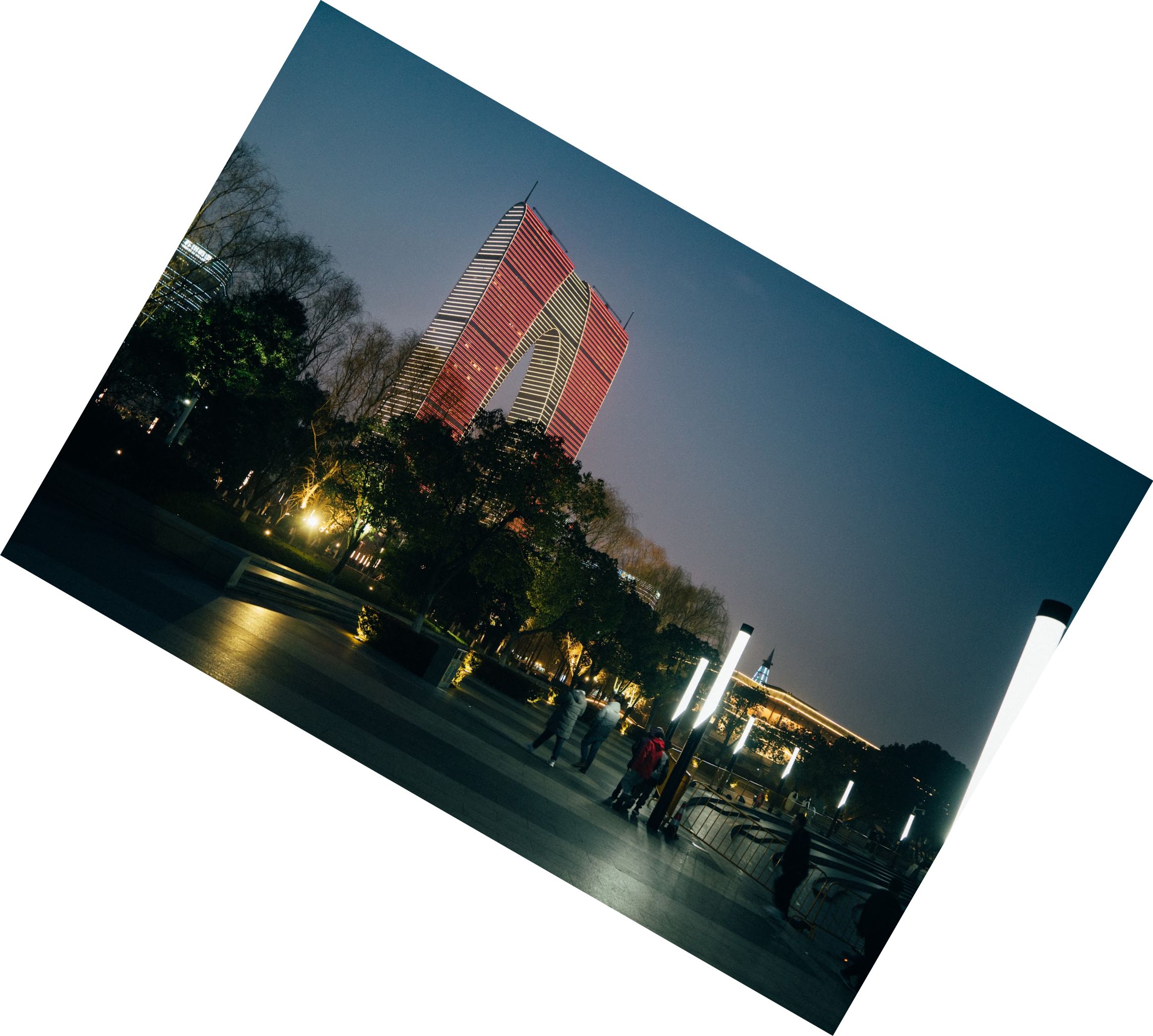 |
注意本文背景色是白色,和旋转后图片四周的填充色一致,所以看不出来填充的效果,实际上图片是被填充了的。
翻转和镜像
func (r *ImageRef) Flip(direction Direction) error
例如:
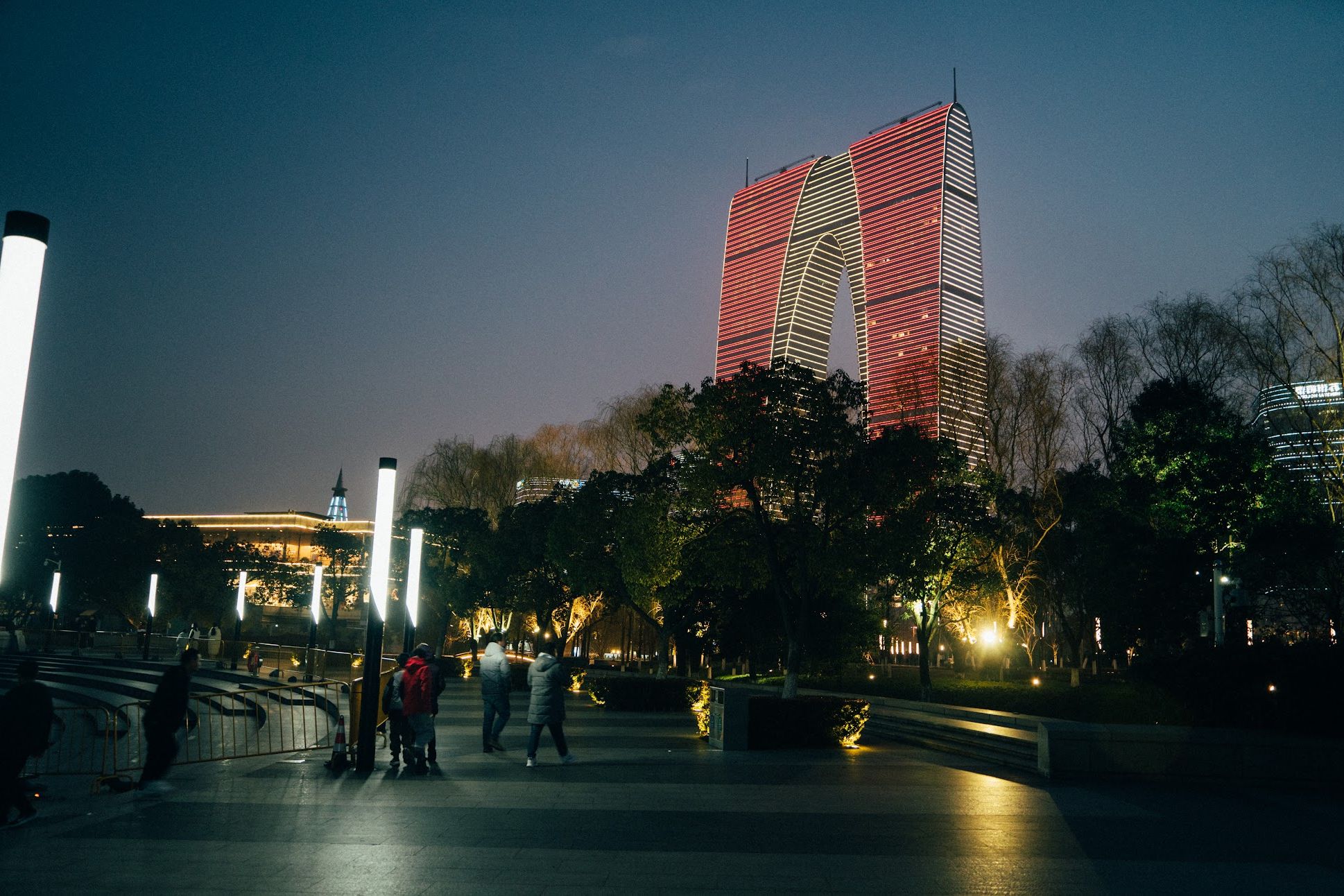
img.Flip(vips.DirectionHorizontal)
其中方向有两个可选:
const (
	DirectionHorizontal Direction = C.VIPS_DIRECTION_HORIZONTAL
	DirectionVertical   Direction = C.VIPS_DIRECTION_VERTICAL
)
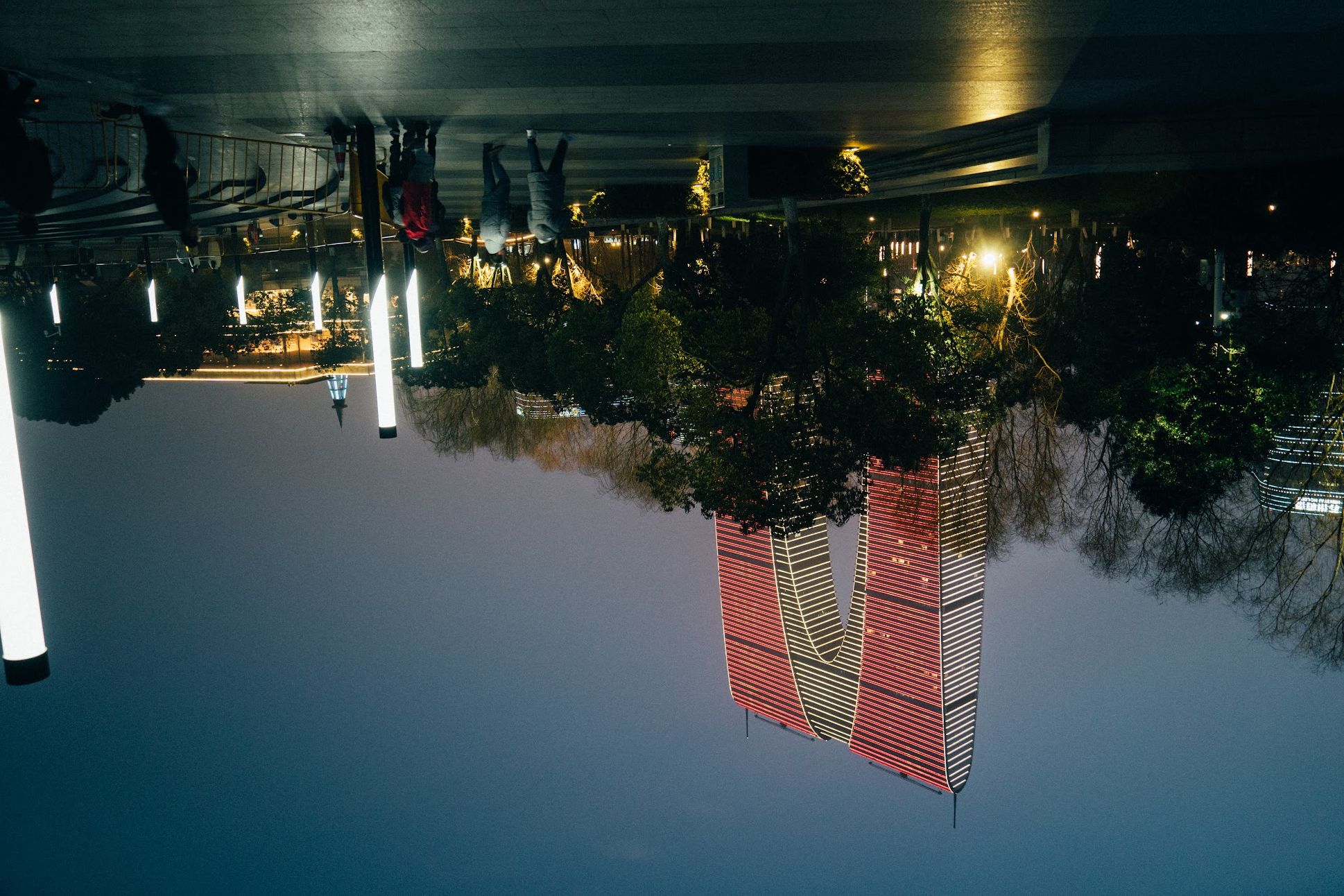
如果需要上下和左右都反转,需要分别调用两次 Flip 方法并传入不同的 Direction。
| 原图 | DirectionHorizontal |
|---|---|
|  |
| DirectionVertical | DirectionVertical + DirectionHorizontal |
|---|---|
 |  |